
For: Administrators, programme managers, leadership · 2 minutes read
DEOS is the system DukaHuru runs the mentorship programme with. Staff and mentors use it at dukahuru.co.tz/admin.
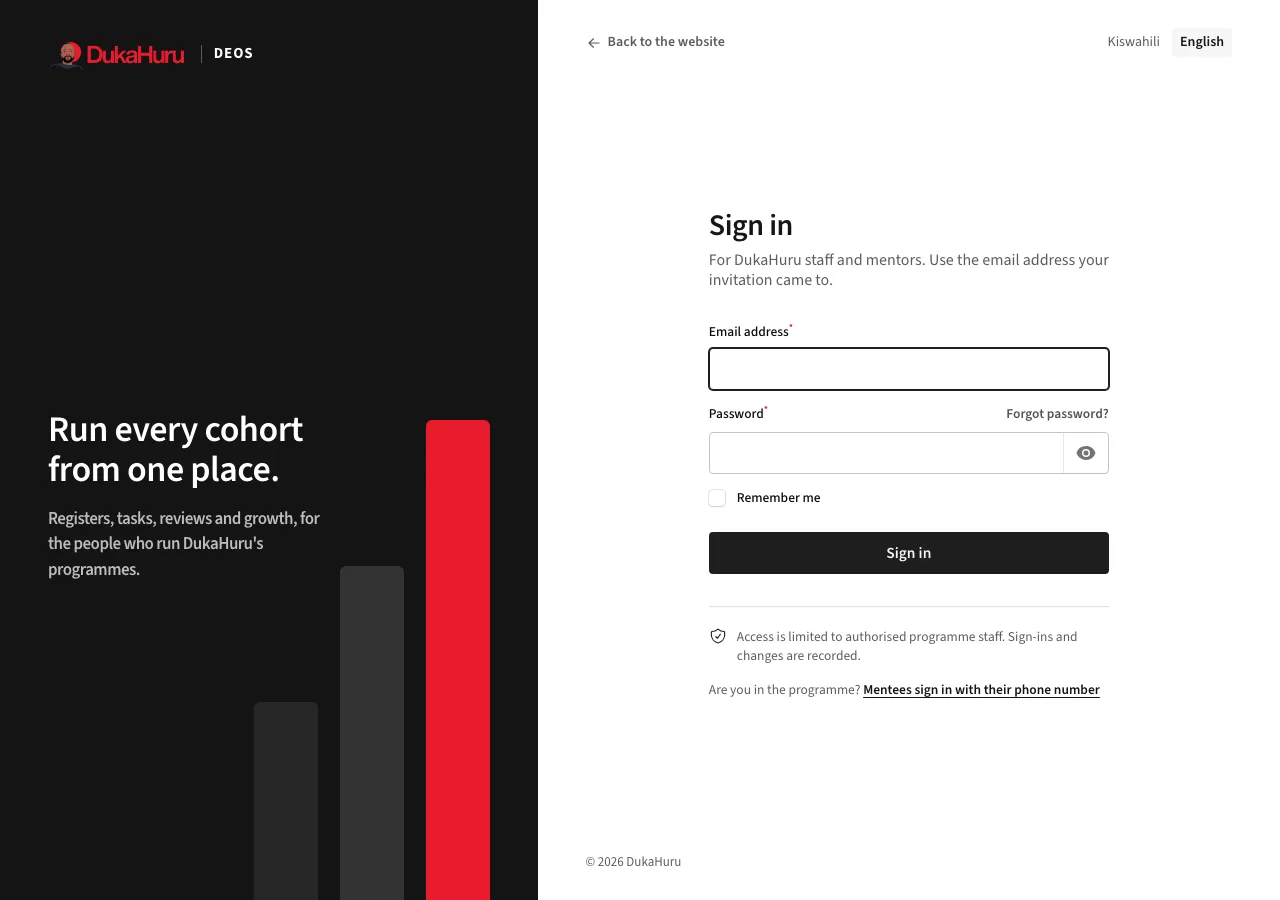
Sign in
- Open dukahuru.co.tz/admin in your browser, on a computer or a phone.
- Enter the email address your invitation was sent to and your password.
- Click Sign in.
You get an account when an administrator invites you (see Invite staff and mentors). The invitation email has a link to choose your password. The link works for a few days; ask for a new one if it has expired.
Forgot your password?
On the sign-in page, click Forgot password?, enter your email and follow the link in the message you receive.
Your profile
Click your initials at the top right, then Profile, to change your name, email and password.
- Two-step sign-in: on the same page you can add an authenticator app (Google Authenticator, Microsoft Authenticator or similar). After that, DEOS asks for the six-digit code from the app each time you sign in. It keeps your account safe even if someone learns your password.
- Language: click your initials, then Badilisha kuwa Kiswahili or Switch to English. DEOS remembers your choice.
- Manual: the same menu opens this manual.
Sign out when you use a shared computer: click your initials, then Sign out.