
For: Administrators, programme managers · 2 minutes read
Entrepreneurs can register themselves on the website. When you meet them in person, register them in DEOS instead.
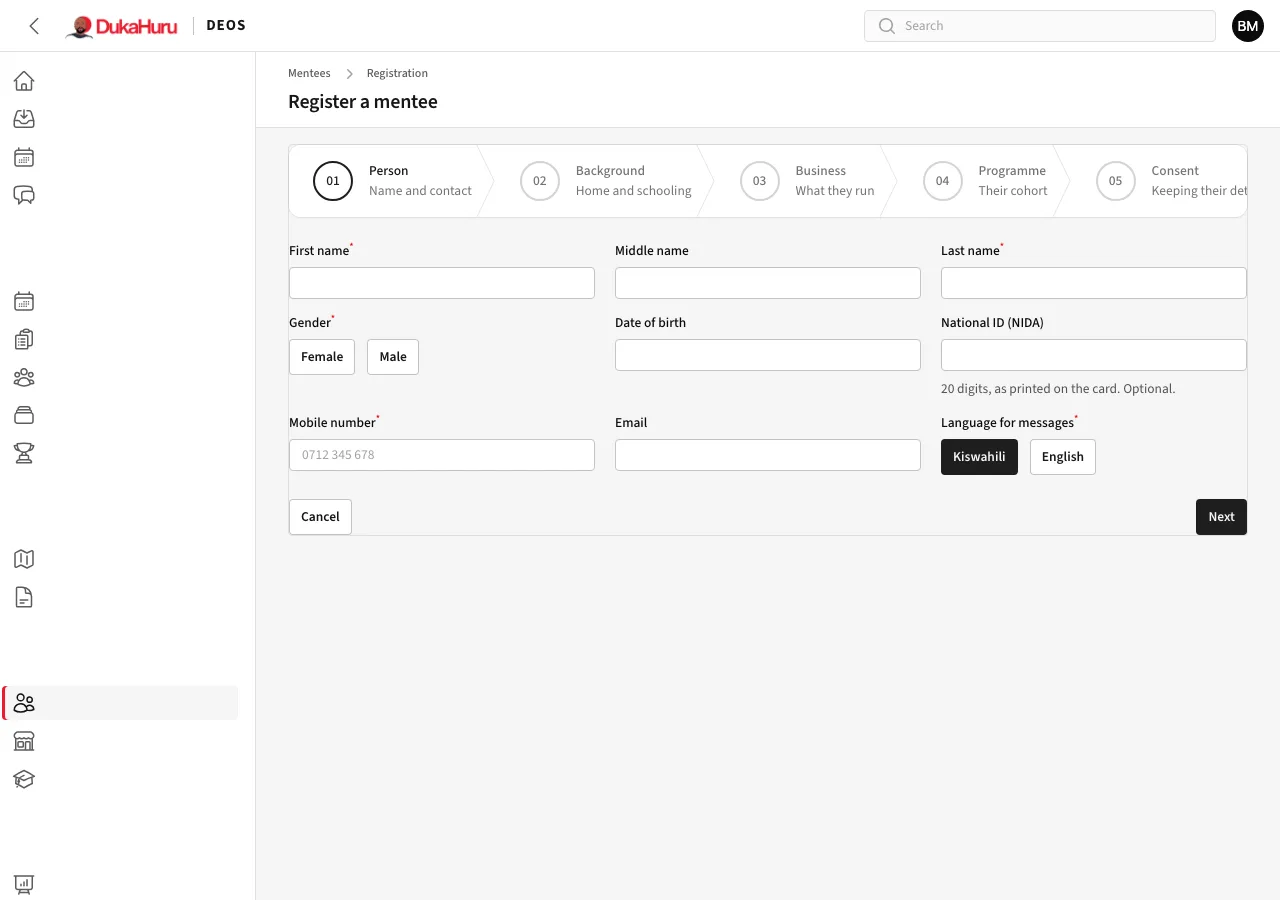
Steps
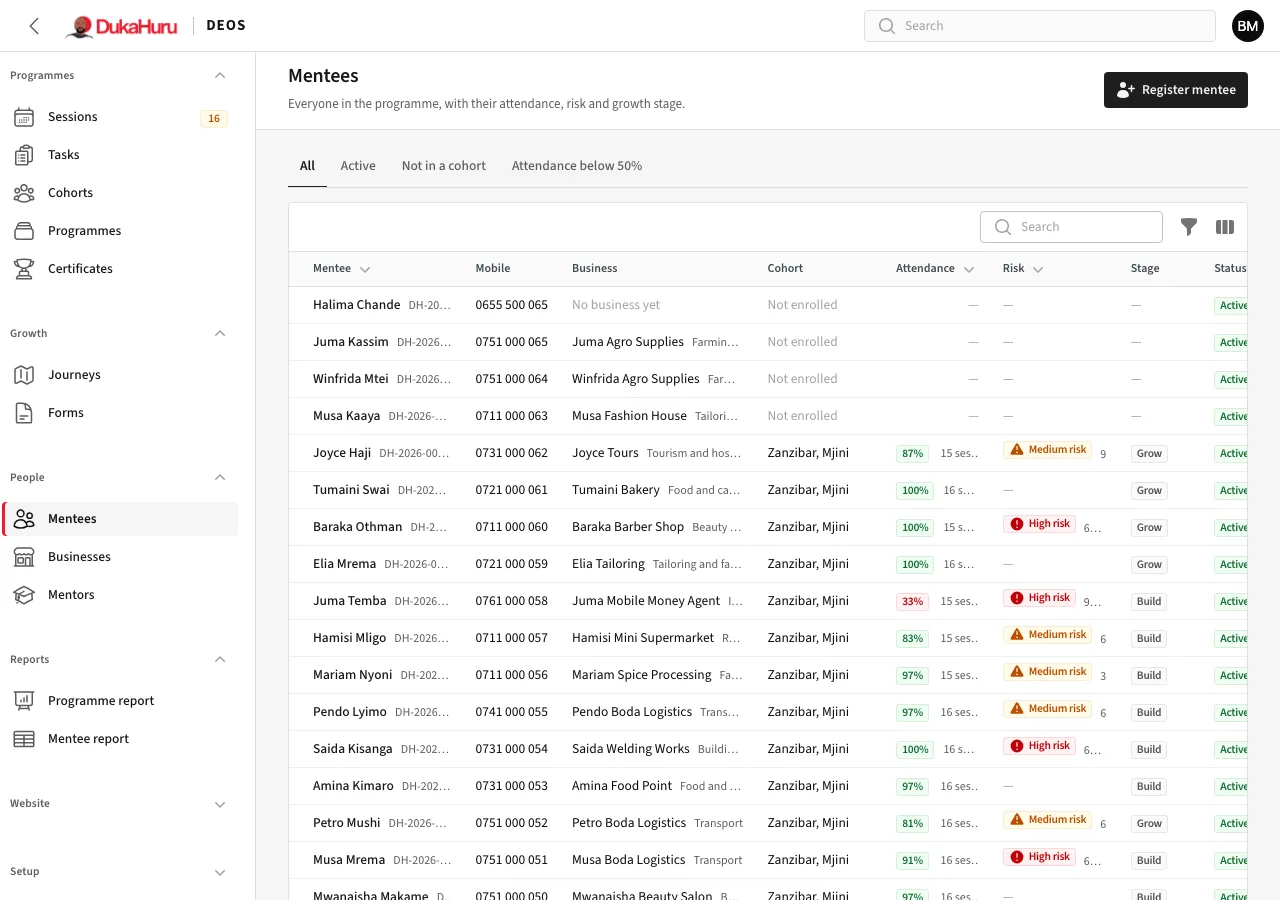
- Open Mentees and click Register mentee.
- Person: name, gender, date of birth, national ID (optional), mobile number, email and the language for their messages.
- Background: where they live and their schooling.
- Business: the business they run, its sector and status. You can add more businesses later.
- Programme: the cohort they join. They go on the register of the cohort's coming sessions.
- Consent: how they agreed to DukaHuru keeping their details. This is required by the Personal Data Protection Act.
- Click Register mentee.
DEOS checks the phone number and national ID against everyone already registered. If someone looks like the same person, it says so before you save, so nobody is registered twice.
After registering
Their page opens: see The mentee page.
To use the DukaHuru app, the mentee signs in the first time at dukahuru.co.tz/app with their mobile number: they choose First time here, or forgot your password?, get a code by SMS, and choose a password.
Businesses lists every business, with its owners. A mentee can have several businesses, and co-founders can share one.