
For: Entrepreneurs · 1 minute read
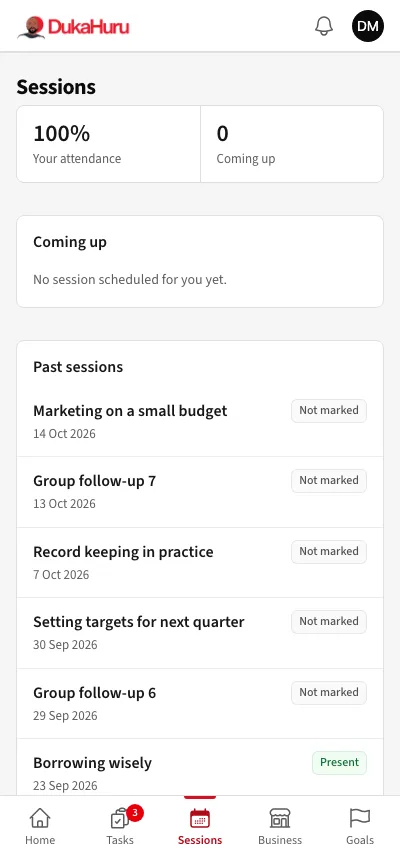
Sessions shows the sessions you are invited to, with the date, time and place, and your attendance.
Check in at a session
- At the session, the facilitator shows a QR code.
- Scan it with your phone camera. The DukaHuru app opens and says You are checked in.
- Arrive on time: more than 15 minutes after the start counts as late.
Check-in opens 30 minutes before the start. If scanning does not work, tell the facilitator: they can mark you on the register.
You get an SMS the day before each session.