
For: Entrepreneurs · 1 minute read
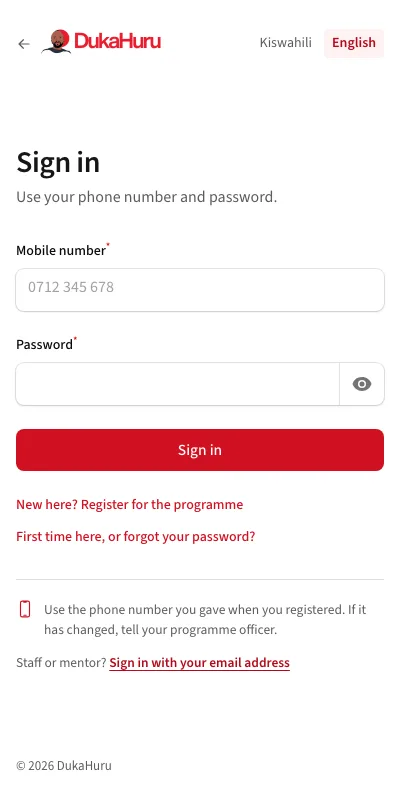
With your password
- Open dukahuru.co.tz/app.
- Enter your mobile number and password.
- Tap Sign in.
The first time, or if you forgot your password
If DukaHuru registered you, or you forgot your password:
- Tap First time here, or forgot your password?
- Enter your mobile number and tap Send code. A code comes by SMS.
- Enter the code, choose your password (at least 6 letters or numbers), and tap Save and sign in.
Use the same number and password in the DukaHuru phone app.