
For: Entrepreneurs · 1 minute read
You can register yourself on your phone. It takes about five minutes; have your business details ready.
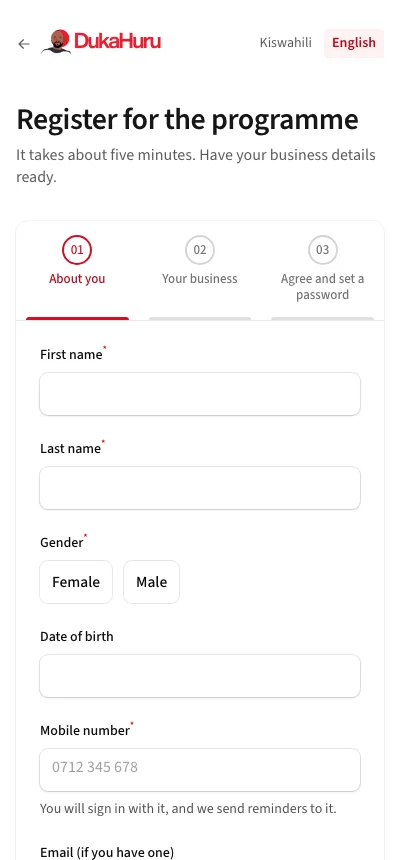
- Open dukahuru.co.tz/app/register, or tap Register now on dukahuru.co.tz.
- About you: your name, gender, date of birth, mobile number and, if you have one, your email.
- Your business: what it is called, what it does and where.
- Agree and set a password: read how DukaHuru keeps your information, agree, and choose a password.
- Pay the fee: enter the mobile number you pay from. A payment prompt comes to your phone: enter your PIN on your own phone. DukaHuru never sees your PIN.
Once the payment goes through, your account opens and you can sign in. The programme team then places you in the next cohort near you; your sessions and tasks appear in the app from then.
If registration is closed, the page says when the next cohort opens. Call or WhatsApp DukaHuru to hear more.