
For: Mentors · 1 minute read
DukaHuru invites you by email. The email has a link to choose your password.
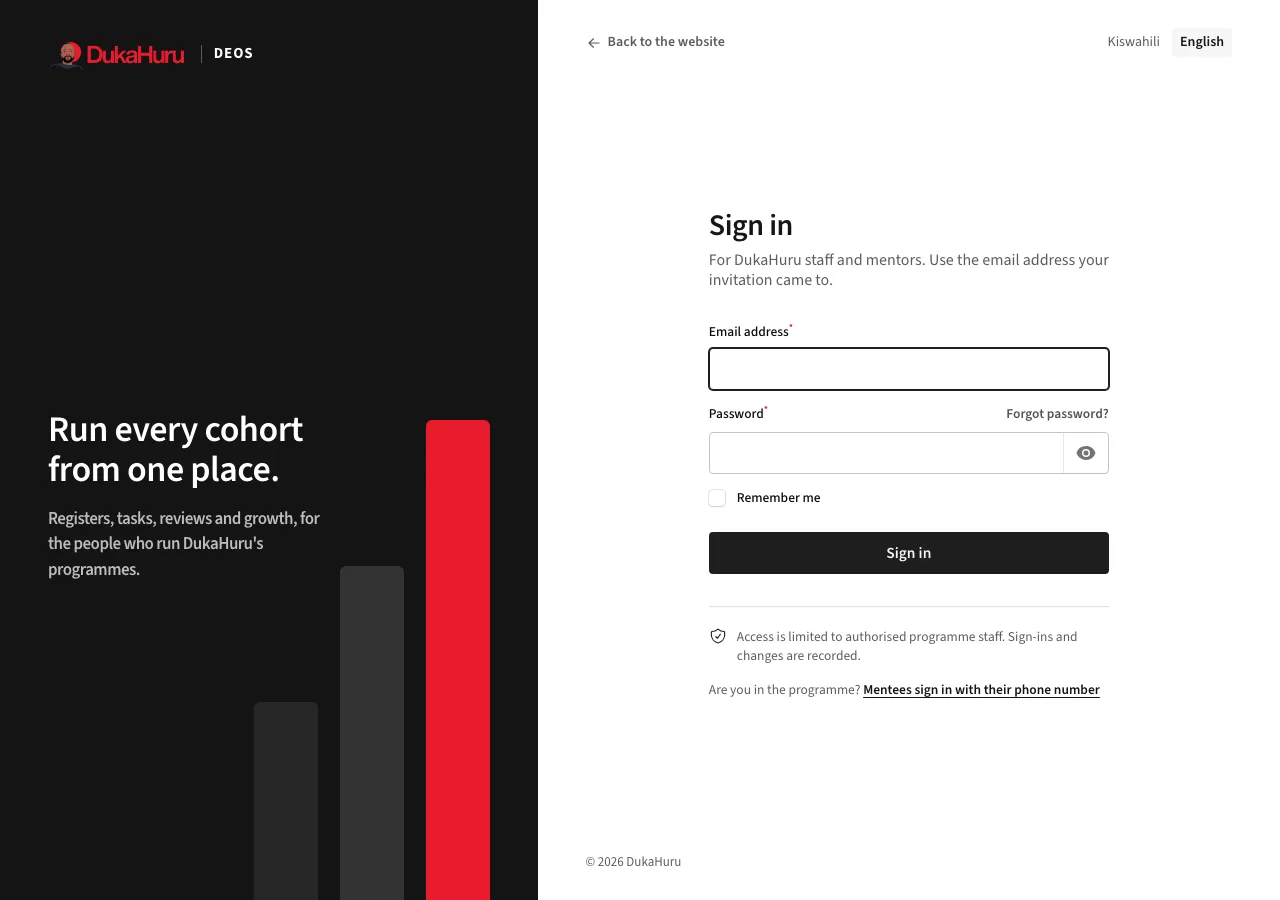
- Open the link in the invitation and choose a password.
- After that, sign in at dukahuru.co.tz/admin with your email and password.
- Forgot your password? Click Forgot password? on the sign-in page.
What you see
As a mentor you see only your own mentees: those assigned to you, directly or through a cohort you mentor, and the sessions you help run. You can do the mentoring work with them: tasks and reviews, goals, updates, follow-ups, notes and registers. Profiles, enrolments and stage decisions stay with the programme staff.
Click your initials at the top right to change your password, switch language (Badilisha kuwa Kiswahili / Switch to English), or open this manual.