
For: Mentors · 1 minute read
Review
To review lists your mentees' hand-ins, oldest first.
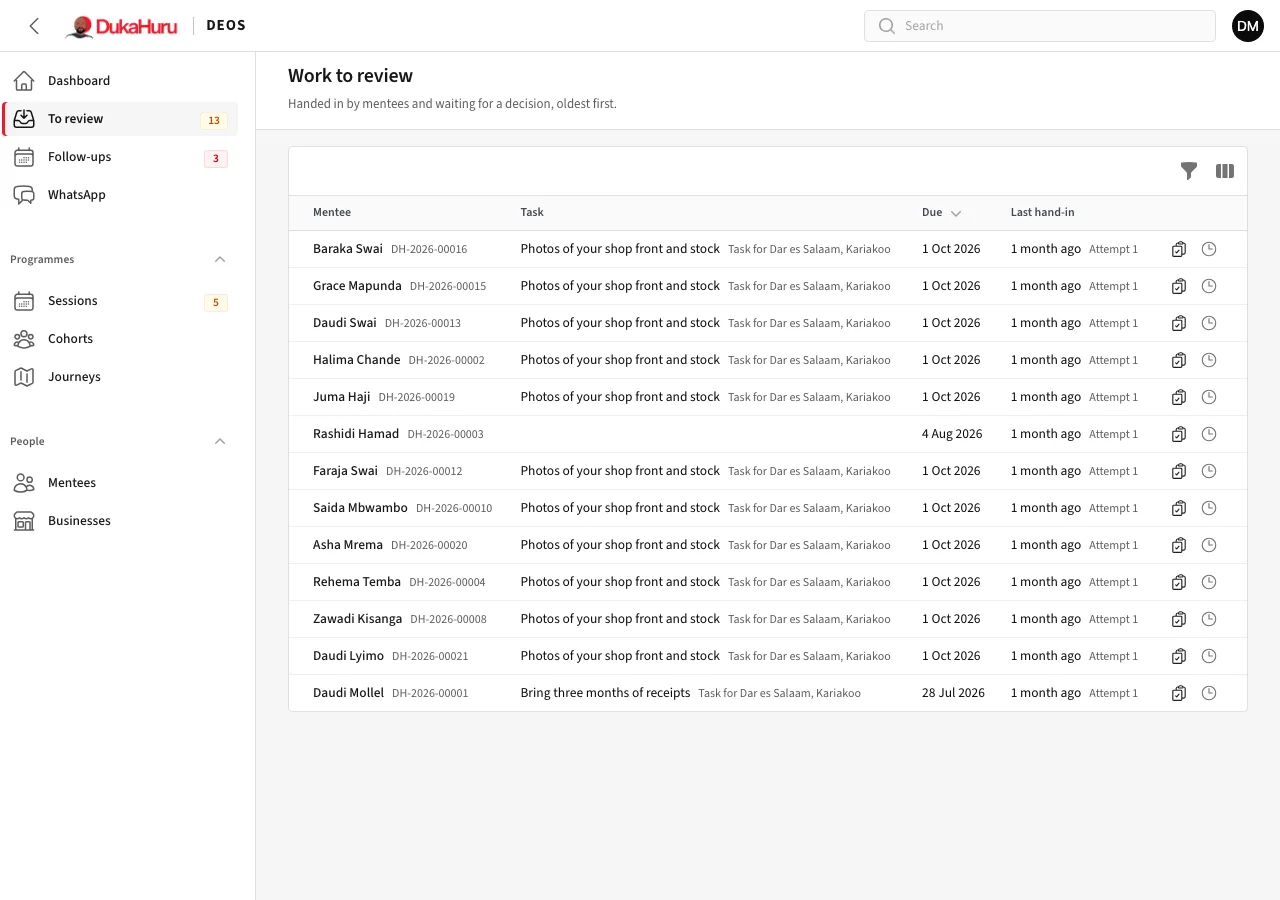
- Click Review on a row and look at what they handed in.
- Choose Accept, or Return for changes with feedback saying what to improve.
- Save. The mentee sees your decision and feedback in the app.
Review soon: a hand-in waiting long holds the mentee up, and the dashboard shows how long it has waited.
Give a task
On a mentee's page, click Give a task: a title, instructions, a due date, and whether they must attach evidence. They get it in the app and a reminder before it is due.